The Complete Beginner’s Guide to Launching a Business Website

Everything you need to go from "I should probably have a website" to a live, working site you’re proud of — domains, hosting, planning, design, and pre-launch checks, explained in plain English.
Introduction
Launching a website used to mean weeks of meetings, thick contracts, and a stack of invoices that never quite added up. Today, the tools are better — but the choices are bigger. Domains, hosting, platforms, designers, copywriters, SEO, analytics — every decision branches into ten more, and most business owners end up either overspending, under-planning, or both.
This guide is the version we wish every new client had read before booking their first discovery call. It walks you through the entire journey of launching a business website — from the first scribbled note to the moment your site goes live — in the order the decisions actually happen.
You won't need a design background. You won't need to know how to code. You'll just need a clear idea of what your business does and who you want to reach.
1. Start With the Job Your Website Has to Do
Before you think about colors, fonts, or platforms, answer one question: What is this website supposed to accomplish? A good business website usually does one of three jobs: convert visitors into leads, bookings, or sales; inform prospects so they reach out warmer and more ready to buy; or establish credibility for people who already heard about you. Most sites try to do all three, and that's fine — but one should be the priority. Write it down. Every decision from here on out gets easier when there's a clear primary goal.
2. Define Your Audience in One Sentence
You don't need a 40-page persona document. You need one sentence that's specific enough to make design and content choices for you. For example: "Busy clinic owners in their 40s who want to look more established online but don't have time to manage anything technical." That one sentence quietly answers a hundred future questions — tone of voice, photo style, how much copy to include, whether to lean modern or traditional, even what your CTA should say.
3. Choose the Right Domain Name
Your domain is the address customers will type, share, and remember. Keep it short, easy to pronounce, and easy to spell out loud. Prefer .com if it's available; country-specific TLDs are fine if your audience is local. Avoid hyphens and numbers — they cause confusion when shared verbally. Check social media handles before you buy, because consistency across platforms is worth more than a "perfect" domain. Register it through a reputable provider, set auto-renew on, and turn on domain privacy.
4. Pick a Platform That Fits Your Stage
The "best" platform doesn't exist — only the right one for where your business is today. Website builders like Wix and Squarespace are the fastest to launch and easiest to maintain, but limited in room to grow. WordPress is flexible, well-supported, and used by millions — a strong choice for content-heavy sites and businesses that expect to evolve. Webflow and Framer sit nicely between builders and code, with designer-friendly output. Custom development is worth it for businesses with specific integrations, larger teams, or unusual workflows.
If you're not sure, start with what fits your current stage, not the one you hope to be in three years. Migrating later is rarely as painful as overbuilding now.
5. Plan Your Pages Before You Design Anything
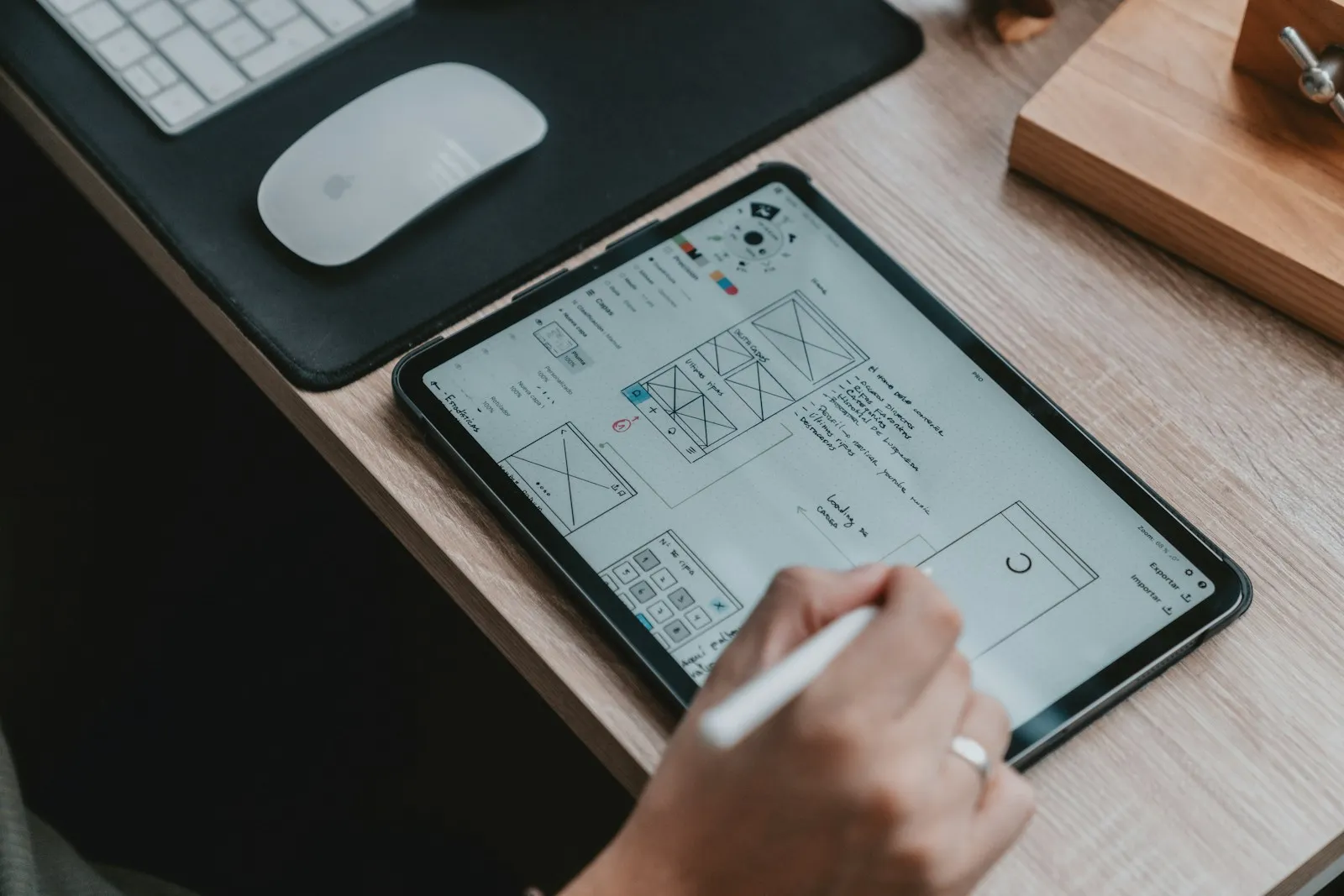
A clear sitemap saves you from one of the most common (and expensive) mistakes in web projects — designing pages you don't actually need, or skipping ones you do. A typical small business site needs Home, About, Services (with sub-pages if you offer several), Portfolio or Case Studies, Pricing if you list it, an optional Blog or Guides for SEO, and Contact. Sketch the structure on paper before you write a single word of copy. If a page doesn't clearly support the website's main job, cut it.
6. Write the Copy First, Design Around It
This is the step most people skip — and the one that quietly determines whether a site converts. Design exists to serve the message, not the other way around. Draft your copy first, even if it's rough. Focus on a clear, specific headline on the home page, real benefits rather than generic adjectives, short paragraphs, scannable subheads, and one clear call to action per page. If writing isn't your strength, hire a copywriter before you hire a designer. It's the single highest-leverage role on a small website project.
7. Design With Purpose, Not Decoration
Good design isn't about looking impressive — it's about making the right thing easy to do. A few principles consistently pay off: clear visual hierarchy so the most important element on each page is the most prominent; generous whitespace, because crowded pages feel cheap regardless of how nice the individual elements are; consistency in buttons, headings, and spacing throughout; and a mobile-first mindset, since over 60% of your visitors will land on a phone.
8. Get the Technical Foundations Right
Behind every good-looking site is a layer most visitors never see — and it's the layer that determines whether your site actually performs. Before launch, make sure performance is solid (compressed images, modern formats, lazy loading), SEO basics are in place (page titles, meta descriptions, semantic headings, clean URLs), analytics is installed (GA4, Plausible, or Fathom), security is covered (SSL certificate active, software up to date, backups scheduled), and accessibility is respected (color contrast, alt text on images, keyboard-friendly navigation).
9. The Pre-Launch Checklist
Before you go live, walk through every page on a phone, a tablet, and a desktop. Then check that all links work, contact forms send to the right inbox and show a confirmation, the 404 page is friendly and helpful, the favicon and social share previews look correct, legal pages are in place if required, and search engines can index the site (no leftover "noindex" tags).
10. Launch Isn't the Finish Line
A website is not a one-time project — it's a living asset. Plan from day one for monthly maintenance (updates, backups, broken-link checks), quarterly reviews (what's converting, what isn't, what to refresh), and yearly evolution (copy updates, new case studies, design refreshes as your brand grows). Sites that get even small monthly attention dramatically outperform sites that are launched and forgotten.
Where Cyvera Digitals Fits In
If any part of this guide felt overwhelming, that's normal — and it's exactly why we exist. Whether you're launching your first site or rebuilding a tired one, we handle the strategy, design, development, and ongoing care so you can focus on the business behind the website.